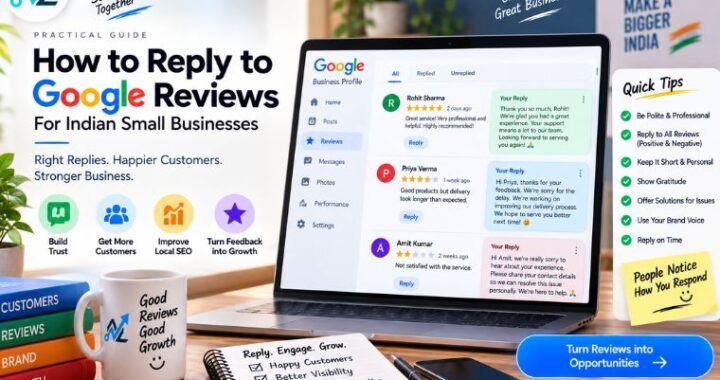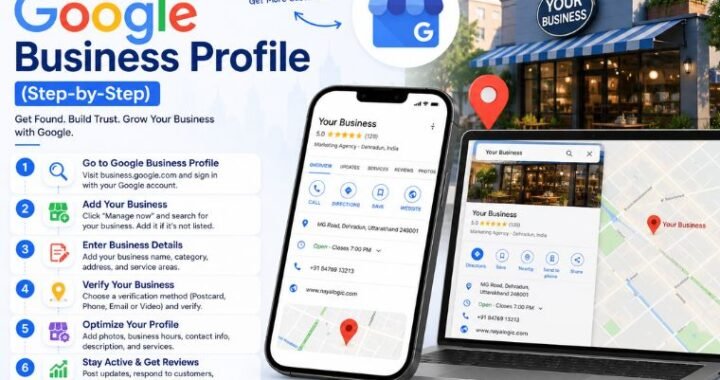

Google Reviews Guide for Indian Small Businesses

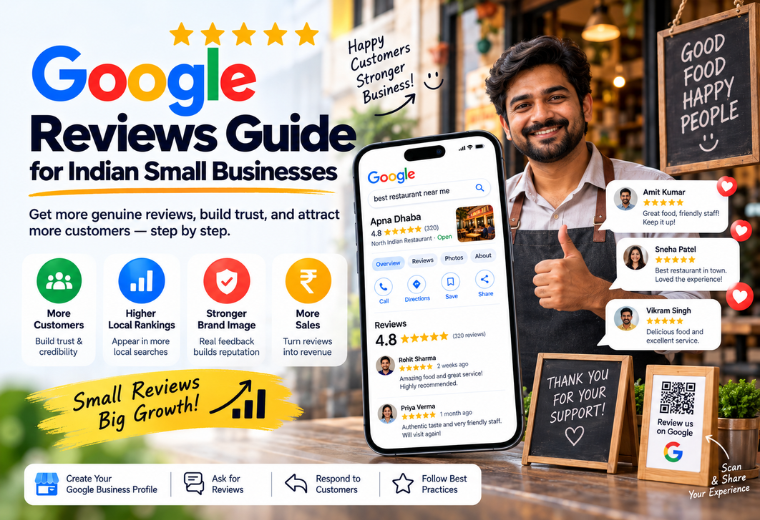
Quick answer: Google Reviews directly affect your local search rankings and customer trust. For Indian small businesses — salons, clinics, restaurants, kirana stores — more reviews mean more visibility on Google Maps and more walk-in customers. This guide covers how to get reviews, respond to them, and build a system that works consistently.
Table of Contents
Most Indian customers search Google before visiting a local business. They type “best salon near me” or “clinic in Laxmi Nagar” — and then they look at the reviews. Not the website. Not the ads. The reviews.
If your Google Business Profile has fewer than 10 reviews, or if your last review is from 8 months ago, you’re losing customers to a competitor with 80 reviews and a 4.6-star rating. That’s a simple, fixable problem. And fixing it doesn’t require a marketing team or a big budget.
This guide covers everything you need: why Google Reviews matter for local SEO, how to get more of them, how to respond to both positive and negative reviews, and how to build a review system that runs on its own. Whether you run a restaurant in Pune, a clinic in Dehradun, or a kirana store in Ahmedabad, the steps are the same.
This article is part of NayaLogic’s local SEO series. You can pair it with our guides on Google Business Profile setup and optimization and local SEO for small businesses to get the full picture.
Why Google Reviews Matter for Local SEO Rankings
Google’s local ranking algorithm weighs three main factors: relevance, distance, and prominence. Reviews directly affect prominence — which is how well-known and trusted your business appears to Google.
More reviews, more recent reviews, and higher ratings all send positive signals to Google. The result: your business appears higher in Google Maps results and in the local “3-pack” — the top three businesses that show up when someone searches for a local service.
Here’s what reviews actually influence:
- Local search ranking — Businesses with more reviews tend to rank higher in Google Maps
- Click-through rate — A 4.7-star business gets more clicks than a 3.9-star one, even if it ranks lower
- Conversion rate — Customers who read positive reviews are more likely to call, visit, or book
- Google’s trust signals — Regular, recent reviews show Google your business is active and credible
Reviews with keywords also help. When a customer writes “best biryani in Koramangala” or “affordable dentist in Sector 15,” Google reads those words and connects your business to those searches. You can’t write reviews for yourself — but you can encourage customers to leave detailed ones.
How to Get More Google Reviews — Without Begging
Most business owners don’t ask for reviews. Those who do ask usually pick the wrong moment. The right moment is immediately after a positive experience — while the customer is still happy.
Step 1: Make it easy to leave a review
Customers won’t hunt for your Google review link. You need to hand it to them directly. Use NayaLogic’s free Google Review Reply Generator and combine it with a direct review link to make the whole process frictionless.
To find your review link:
- Search for your business on Google
- Click on your Google Business Profile
- Click “Get more reviews”
- Copy the link — this takes customers directly to the review box
Shorten that link and save it. You’ll use it everywhere.
Step 2: Ask at the right moment
For a salon or spa: Ask when the customer is paying and happy with their hair. Say: “If you liked the service, a quick Google review would mean a lot to us — here’s the link.”
For a clinic or doctor: Send a WhatsApp message the next day: “Hope you’re feeling better. If you found our service helpful, we’d appreciate a Google review — it helps other patients find us.”
For a restaurant: Put a table card with a QR code that links to your review page. Or train staff to mention it when handing over the bill.
For a kirana store or real estate agent: Ask regular, happy customers directly. A simple, genuine ask works better than any automated message.
Step 3: Use WhatsApp — the easiest channel in India
Most Indian customers are active on WhatsApp. After a purchase or service, send a short message:
“Thank you for visiting [Business Name]! We hope you had a great experience. If you have a minute, a Google review helps us a lot — [link]”
Keep it short. One message. No follow-up pressure. This alone can double your review count within a few weeks.
Step 4: Add a QR code to your physical space
Print a small sign or standee with a QR code linking to your review page. Place it at:
- The billing counter
- The reception desk
- On the back of your visiting card
- At the exit of your shop or clinic
Customers waiting in a queue or at checkout will scan it.
What NOT to do
- Don’t offer discounts or gifts for reviews — Google’s policies prohibit incentivized reviews, and they can be removed
- Don’t ask for reviews in bulk — a sudden spike looks suspicious to Google
- Don’t ask unhappy customers — resolve complaints privately first
How to Respond to Google Reviews: Positive and Negative
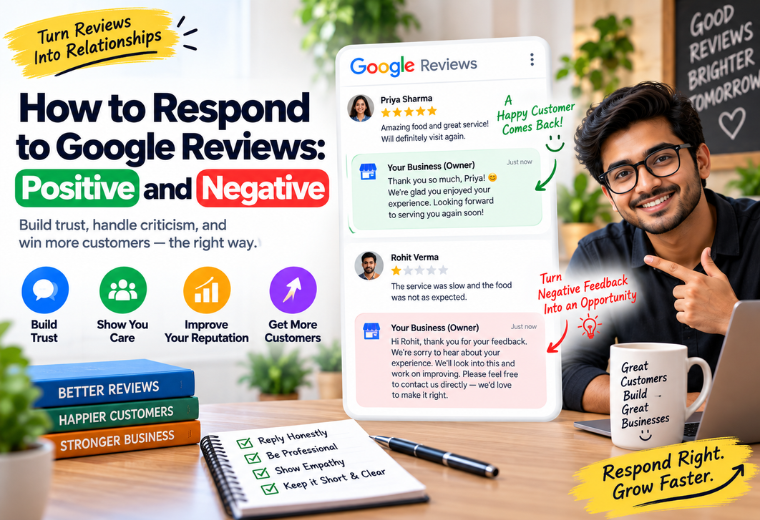
Responding to reviews matters as much as getting them. Google sees response activity as a signal that you’re an engaged, trustworthy business. Customers see it too — and it influences their decision to contact you.
How to respond to positive reviews
Thank the customer by name. Mention a specific detail from their review. Keep it short and genuine.
Example for a salon:
“Thank you, Priya! We’re so glad you loved your haircut. Our team works hard to make every visit special. See you again soon!”
Example for a restaurant:
“Thank you, Rahul! We’re happy the dal makhani was a hit. Come back and try our weekend specials!”
Tips:
- Reply within 24–48 hours
- Use the customer’s name when possible
- Don’t copy-paste the same reply to every review — Google and customers notice
NayaLogic’s free Google Review Reply Generator can help you write personalized, professional replies in seconds — especially useful if you’re getting multiple reviews a week.
How to respond to negative reviews
A bad review, handled well, can actually build trust. Customers know that problems happen. What they’re watching is how you handle it.
Step 1 — Stay calm. Never reply in anger or defensiveness.
Step 2 — Acknowledge the issue. Don’t dismiss the customer’s experience, even if you disagree with it.
Step 3 — Apologize and offer a resolution. Move the conversation offline. Share a phone number or email to resolve it directly.
Example for a clinic:
“We’re sorry to hear about your experience, Mr. Sharma. This is not the standard we hold ourselves to. Please call us at [number] so we can make this right for you.”
What to avoid:
- Arguing publicly with the customer
- Making excuses
- Ignoring negative reviews entirely
One unaddressed negative review speaks louder than five positive ones.
How to Build a Consistent Google Review System
Getting reviews once is good. Getting them every month, consistently, is what builds a strong local SEO presence over time. Here’s how to set up a system that runs with minimal effort.
The 4-step review system for Indian small businesses
1. Identify your happy customers — Focus on repeat customers, those who compliment your service, or those who’ve just had a positive experience.
2. Create a standard message — Write a simple WhatsApp or SMS template. Store it on your phone. Customize the name each time you send it.
3. Assign responsibility — You or a staff member sends the review message to 2–3 customers per day. That’s it. Ten minutes of effort daily.
4. Track your review count monthly — Set a simple target: 5 new reviews per month. Review your Google Business Profile at the start of each month and adjust your approach if needed.
This system doesn’t require software or a marketing team. A smartphone and a WhatsApp message are enough to start.
Automate it with WhatsApp
If you want to scale this process, WhatsApp automation can send review request messages automatically after a booking, purchase, or appointment. Customers receive a message at the right moment — without you having to remember to send it manually.
NayaLogic’s WhatsApp automation service does exactly this. It connects to your booking or billing workflow and sends a review link at the right moment — every time, without fail.
Reviews, Rankings, and the Bigger Local SEO Picture
Google Reviews are powerful — but they work best as part of a complete Google Business Profile strategy. Your profile needs accurate information, regular photo updates, and service listings for reviews to fully count in your favor.
Think of it this way: reviews are fuel. Your Google Business Profile is the engine. Both need to work together.
If you haven’t set up or optimized your Google Business Profile yet, that’s the first step. From there, a local SEO strategy — the right keywords, consistent business information across directories, and regular content updates — builds on top of your review foundation.
NayaLogic’s Google Business Profile management service handles all of this for you, including review monitoring, so you don’t have to do it alone.
Start Building Your Review System Today
Google Reviews are one of the highest-ROI activities available to an Indian small business owner. No ad spend. No technical skills required. Just a consistent habit of asking happy customers to share their experience.
Start small. Pick five loyal customers this week. Send them your review link on WhatsApp. Respond to every review you already have — positive and negative. Set a monthly target and track it.
If you want to automate the process and connect it to your booking or billing workflow, book a free demo with NayaLogic. We’ll show you exactly how it works for your type of business — no commitment required.
Frequently Asked Questions
How many Google Reviews does a small business need to rank on Google Maps?
There’s no fixed number. Google weighs review quantity, recency, rating, and response rate together. In most Indian cities and towns, a business with 20–40 genuine, recent reviews and a rating above 4.0 will rank well ahead of competitors with fewer reviews. The goal is consistent, steady growth — not a one-time burst.
Can I ask my family and friends to leave Google Reviews?
Google’s guidelines discourage reviews from people who haven’t actually used your business. Reviews from obvious fake or biased sources can be flagged or removed. Focus on real customers — their reviews carry more weight and last longer.
What should I do if a competitor is leaving fake negative reviews?
Flag the review directly in Google Maps using the “Report” option. Provide any evidence you have that the review is fake. Also respond professionally to the review — this shows other customers that you take feedback seriously while waiting for Google to assess the report.
Does responding to reviews improve my local SEO ranking?
Yes. Google’s own documentation confirms that responding to reviews shows that you value customer feedback and is considered when ranking local businesses. Consistent responses signal an active, credible business.
How do I get a customer to write a detailed review instead of just clicking stars?
Ask specifically. Instead of “please leave us a review,” say: “Tell us what you liked about your visit — even one or two sentences helps other customers find us.” The more specific your ask, the more detailed the review. You can also show an example of a good review at your billing counter.
How long does it take for Google Reviews to improve my local ranking?
Results vary by location and competition level. In most cases, businesses that go from 5 to 30+ reviews with regular responses see measurable improvements in Google Maps ranking within 2–3 months. Reviews are a long-term signal, not an overnight fix.
Is there a free tool to help me reply to Google Reviews quickly?
Yes. NayaLogic’s free Google Review Reply Generator lets you generate professional, customized review replies in seconds. It’s free to use and requires no sign-up.